








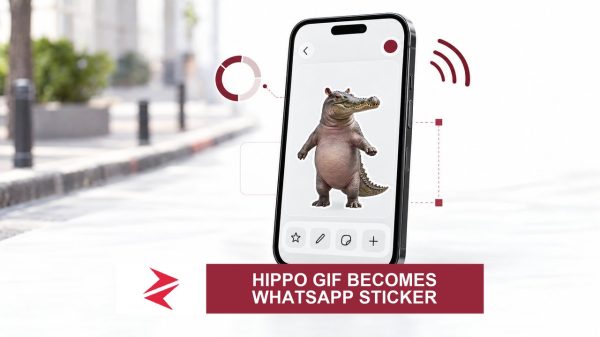






















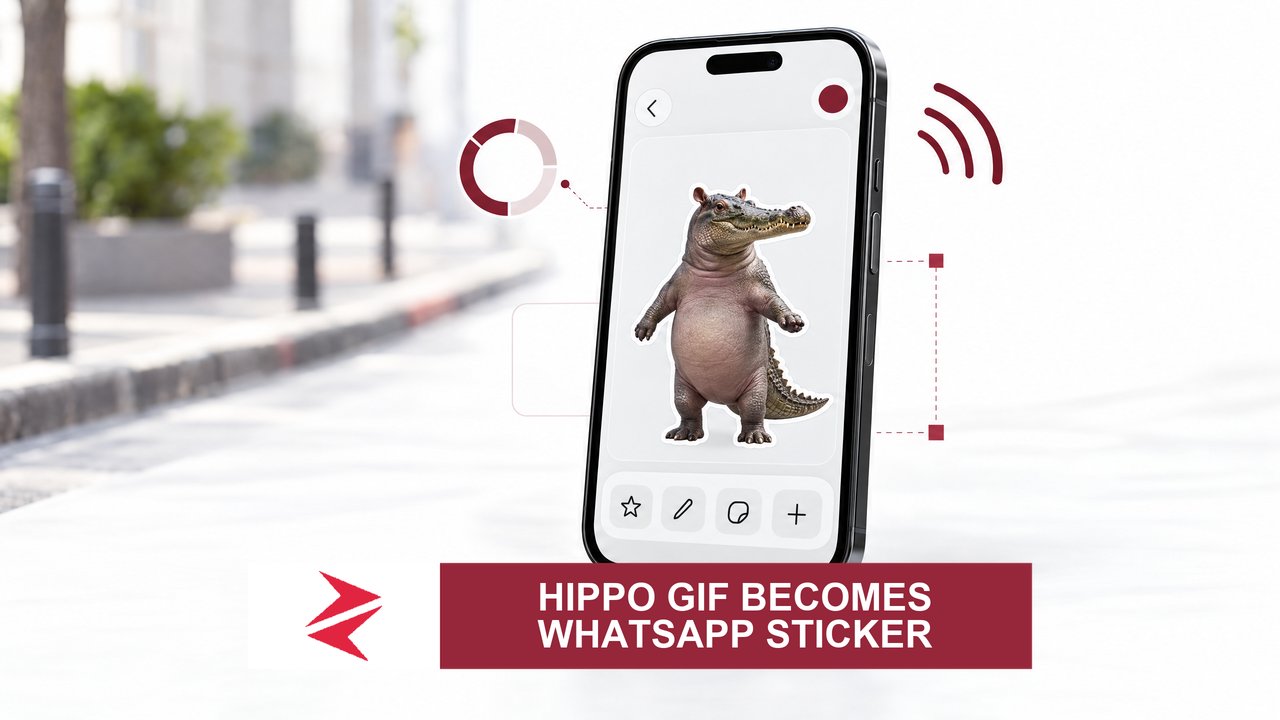
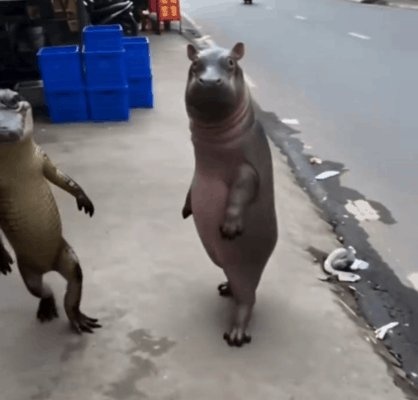
When the AI‑generated clip of an upright hippo and alligator strutted down a city sidewalk, it did more than make people laugh – it sparked a flurry of do‑it‑yourself instructions on how to turn that nonsense into a WhatsApp sticker. The speed at which the meme mutated into a “billing‑message” weapon is a reminder that viral content is not harmless amusement; it becomes a labour‑intensive, bandwidth‑draining, and potentially disruptive practice for ordinary Pakistanis who spend hours scrolling, downloading and re‑packaging the same clip.
Step‑by‑step, but at what price?
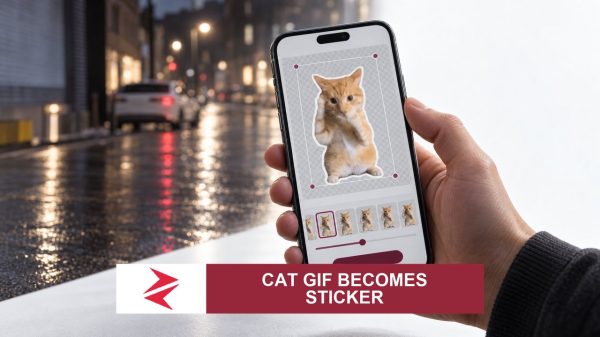
One of the first posts that set the template was by @Owiggy_ who asked, “How can someone turn this into a sticker on WhatsApp? It’s so funny. I wan dey use am for billing messages” (post: The very question turned into a tutorial cascade. Within minutes, users were posting exact workflows: screen‑record the GIF, crop the clip, then hit WhatsApp’s “Create sticker” button. @Aevoreen summed it up succinctly: “Screen record and the crop it … then head on to your WhatsApp and click on the sticker icon … add the video you screen record” (post: Another user, @Rigelcrypt, made the purpose explicit: “That would make a perfect WhatsApp sticker. Billing messages just got a whole lot funnier” (post: The pattern was clear – a meme, a how‑to, and a use‑case, all shared in rapid succession.
The BrandBird Shortcut
Downloading the original clip is not trivial on X. The platform stores GIFs as MP4 videos, and extracting them requires a third‑party tool. Users converged on BrandBird’s free online GIF downloader, which advertises “No login required, no watermarks” (link: While the tool’s own page confirms it can pull a tweet’s GIF into a usable file (external_reference_urls), the claim that it works for the hippo‑alligator clip is supported only by the fact that users repeatedly referenced it in the same thread. No independent test is presented, but the repeated citation makes the shortcut plausible.